
 微信小程序页面弹框
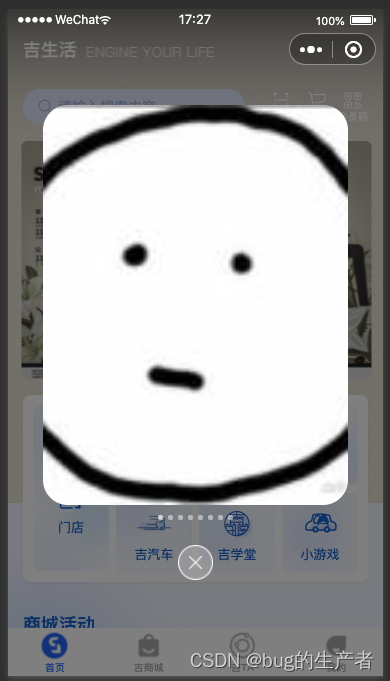
# 效果图
# 判断是否展示弹框
  isShowActivityModal() {
    //首先获取是否执行过
    let that = this
    wx.getStorage({
      key: 'today',
      success: function (res) {
        //成功的话 说明之前执行过,再判断时间是否是当天
        if (res.data && res.data != new Date().toLocaleDateString()) { // 不是当天,展示弹框
          // console.log(111, res.data)
          that.setData({
            showActivityModal: true
          })
        } else { // 是当天不展示弹框
          // console.log(222)
          that.setData({
            showActivityModal: false
          })
        }
      },
      fail: function (res) {
        // console.log(333)
        //没有执行过的话 先存一下当前的执行时间
        // console.log(res);
        that.setData({
          showActivityModal: true
        })
        wx.setStorage({
          key: 'today',
          data: new Date().toLocaleDateString()
        })
      }
    })
  },
1
2
3
4
5
6
7
8
9
10
11
12
13
14
15
16
17
18
19
20
21
22
23
24
25
26
27
28
29
30
31
32
33
2
3
4
5
6
7
8
9
10
11
12
13
14
15
16
17
18
19
20
21
22
23
24
25
26
27
28
29
30
31
32
33
# 关闭弹框
  // 关闭活动弹窗
  closeActivityMOdal() {
    this.setData({
      showActivityModal: false
    })
    wx.setStorage({
      key: 'today',
      data: new Date().toLocaleDateString()
    })
  },
1
2
3
4
5
6
7
8
9
10
2
3
4
5
6
7
8
9
10
上次更新: 2023/07/04, 15:58:30