
 前端主导的小程序一键导航功能
# 1.应用场景
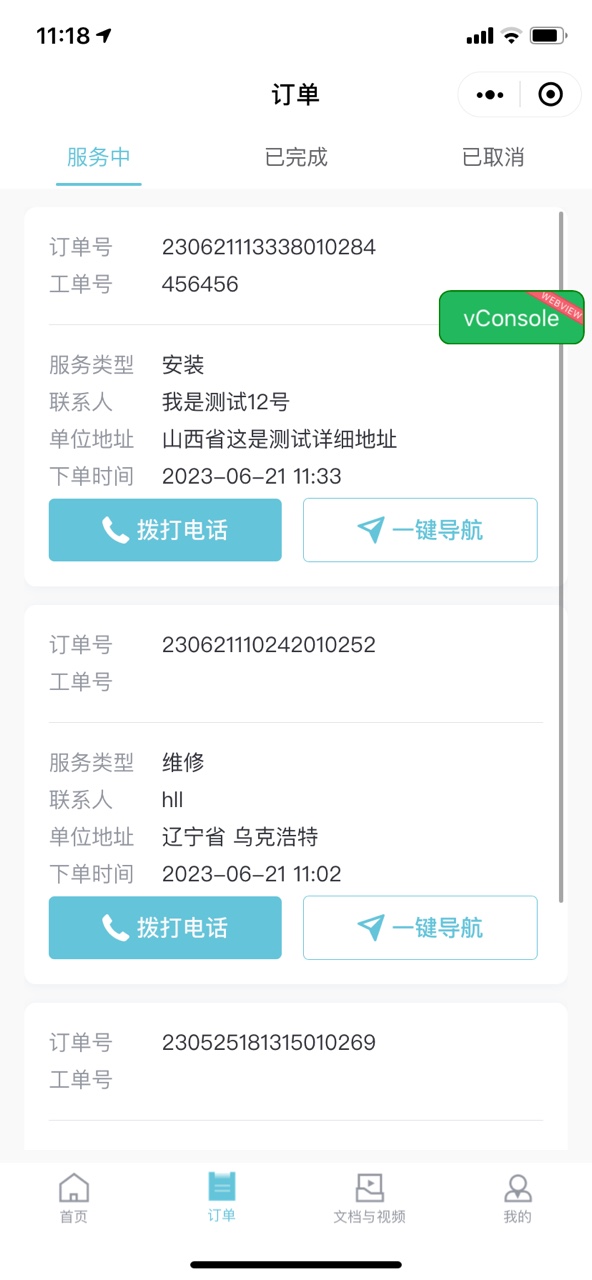
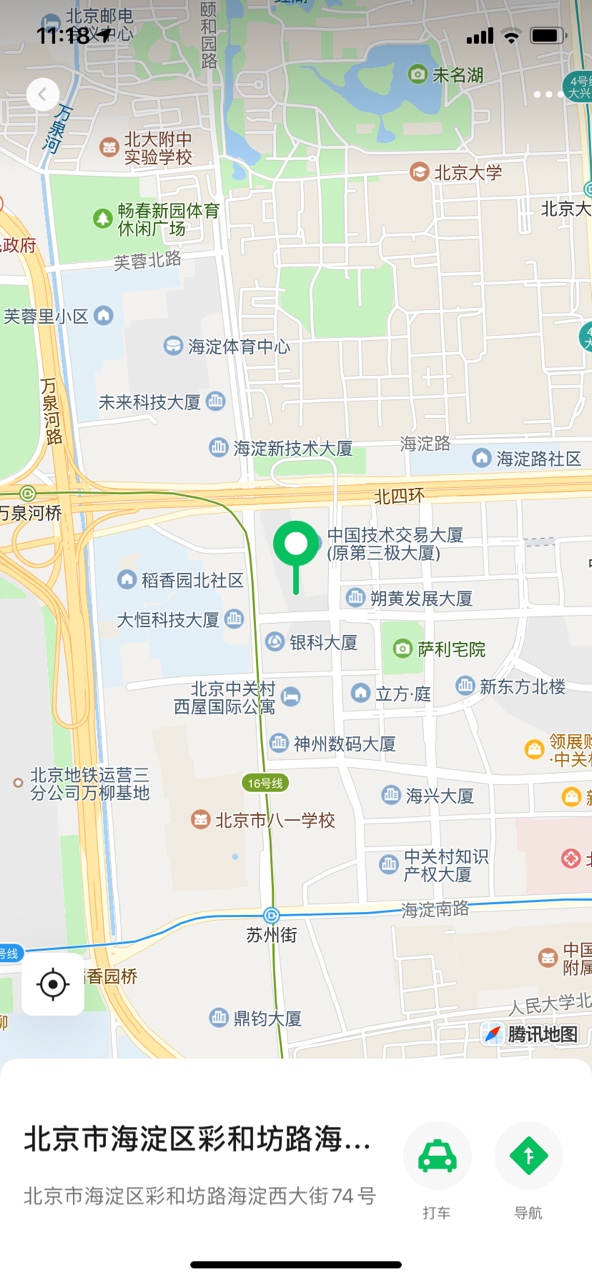
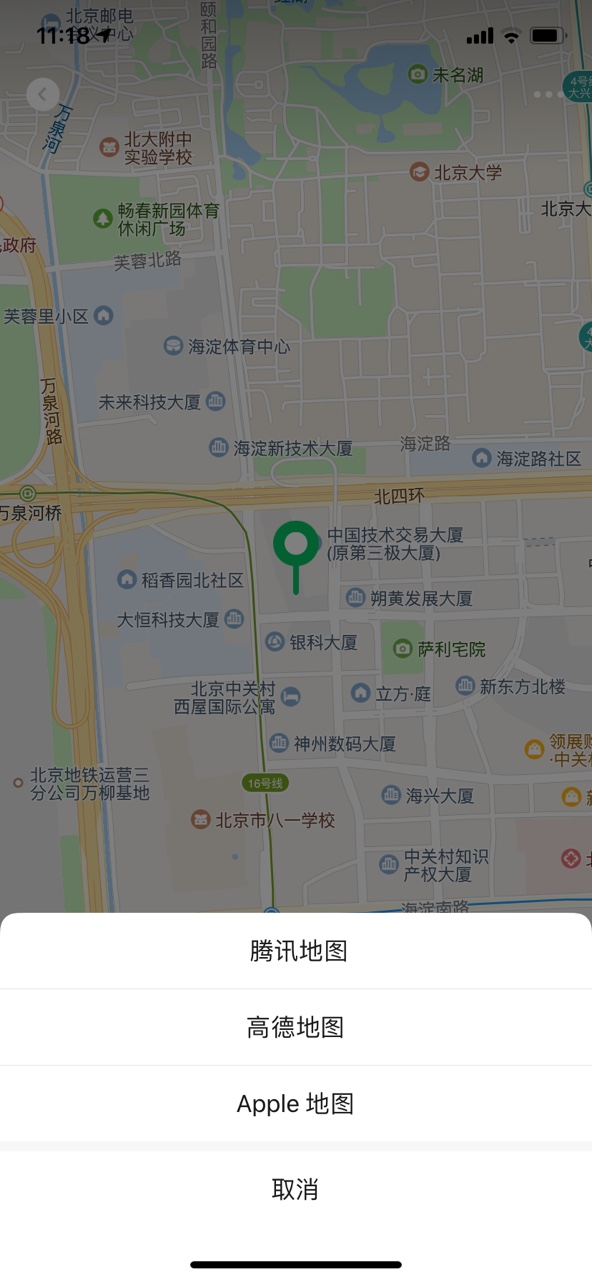
# 在后端无位置经纬度坐标返回时,只通过地点名称来进行较为精确的导航,并可以直接跳转app
# 注:需对接腾讯.高德等地图API获取key/sk进行查询。
 gomap(item) {
      console.log(item.companyAddress);//地名
      //key为腾讯API中获取的固定值
      //Tub3v6XuvzwGeqWK2eeeUHBpbE1为签名(相当于加密验证),
      //1.通过MD5将参数按照A-Z的顺序进行排列,完成后,将加密完成的值作为SIG参数传入,调取腾讯接口获取经纬度
      //2.通过经纬度以及位置信息调用微信方法,直接进行导航
      const sss = md5(`/ws/geocoder/v1?address=${item.companyAddress}&key=Z43BZ-RA6WQ-GPT5Y-4R5IU-S76KQ-6EBLQV3Tub3v6XuvzwGeqWK2eeeUHBpbE1`)
      uni.request({
        url: `https://apis.map.qq.com/ws/geocoder/v1?address=${item.companyAddress}&key=Z43BZ-RA6WQ-GPT5Y-4R5IU-S76KQ-6EBLQ&sig=` + sss,
        method: 'GET',
        success: res => {
          console.log(res.data.result.location);
          uni.openLocation({
            address: item.companyAddress,      //调用成功直接设置地址
            name: item.companyAddress,
            longitude: res.data.result.location.lng,
            latitude: res.data.result.location.lat
          })
        },
        fail: (res1) => {
          console.log(res1, 999);
          console.log(998);
        },
        complete: (res1) => {
          console.log(res1.data.status);
          console.log(res1.data.message);
          if (res1.data.status != 0) {
            uni.showToast({
              title: res1.data.message,
              icon: 'none',
              duration: 1000
            })
          }
        }
      });
1
2
3
4
5
6
7
8
9
10
11
12
13
14
15
16
17
18
19
20
21
22
23
24
25
26
27
28
29
30
31
32
33
34
35
2
3
4
5
6
7
8
9
10
11
12
13
14
15
16
17
18
19
20
21
22
23
24
25
26
27
28
29
30
31
32
33
34
35
上次更新: 2023/07/06, 09:51:30